Home Features For Students For Professionals Blog ▶ Install from Google Play
⚡ Powerful Mechanics

Ironclad self control. Uncompromising blocker features.

FocusPort is a dedicated digital wellness app. We don't ask you to use discipline — our code enforces it with strict accessibility blocks.

Accessibility Blocker. Focus Lock. Whitelist Control.

Get FocusPort Free See the mechanics →
Service-Level
Blocking Engine
Exact
Session Alarms
Private
Offline Architecture

UNDER THE HOOD.

Our tools are engineered to block scrolling habits at the root.

🔒

Accessibility Blocker

FocusPort utilizes Android's Accessibility Service to scan when you try to open a blocked application. If detected, it immediately launches the focus lock screen over it, stopping your scroll reflex instantly.

🚨

Strict Mode & Focus Lock

Unlike other blockers that allow easy pausing, FocusPort has no "snooze" button. Once a focus session starts, it stays active. If you must exit due to an emergency, you have to long-press for 5 seconds, which resets your streak.

📅

Scheduled Focus Mode

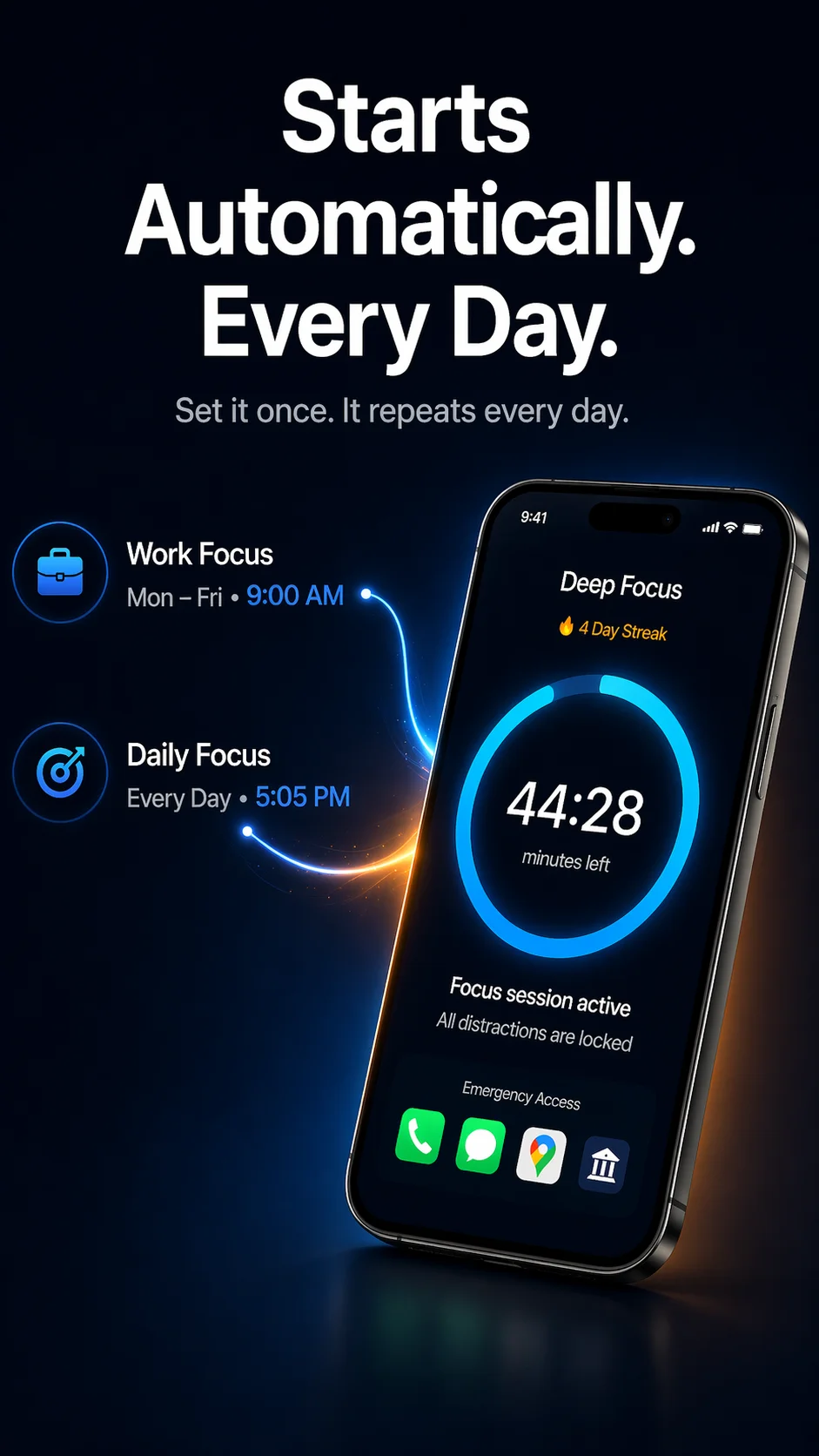
Set a scheduled session once and forget it. FocusPort automatically launches focus timers during your recurring work hours or study blocks, forcing digital wellbeing without manual friction.

🛡️ Strict Protection
LOCKED
Self Control Mode
Emergency Access Only
TikTok & Instagram disabled

APP WHITELIST & EMERGENCY ACCESS.

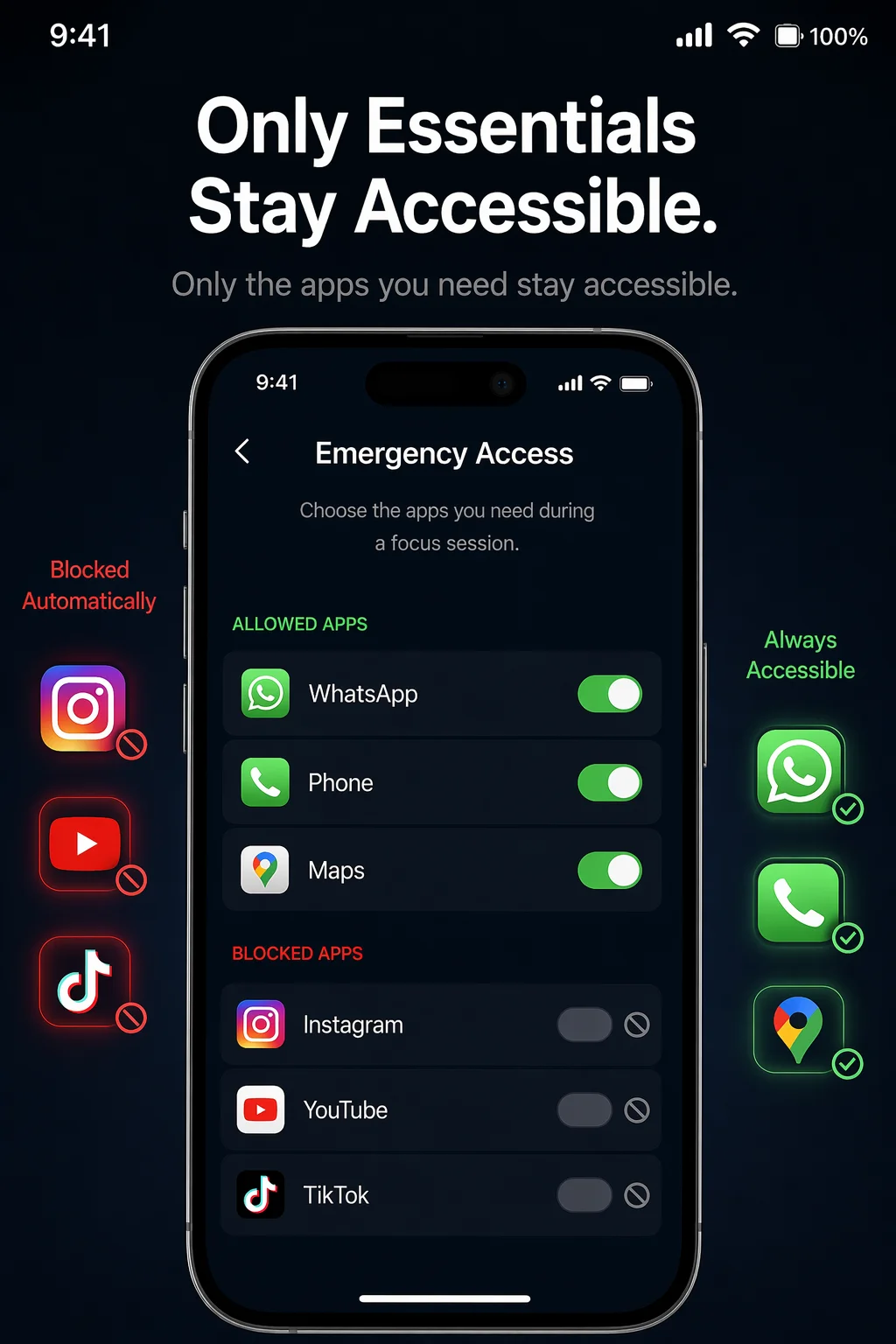
A digital detox shouldn't mean losing phone functionality when you need it. FocusPort isolates distracting apps while keeping tools you need safe.

Whitelisted apps remain 100% accessible. You can easily access work utilities, maps, banking, or direct call systems. Only the social feeds, short-form reels, and addicting games are kept behind the lock.

Standard App Lock features

Locks everything, forcing you to turn off the service
Difficult to configure whitelists quickly
Leakage of notifications from blocked apps

FocusPort Granular Whitelisting

Whitelist contacts and utility applications
Custom profile presets for work vs study sessions
Complete notification silencing for blocked apps

OFFLINE AND PRIVACY FIRST.

📊

App Usage Tracker

Track your lock history and screen time metrics. Analyze how many times you attempted to check blocked apps and see your focus times improve.

📶

Local & Offline Block

Your data stays on your device. FocusPort does not require internet connection to block apps, keeping your information private.

🔋

Battery Efficient

Our background detection service is heavily optimized. It utilizes negligible battery, avoiding performance issues common with traditional screen time apps.

DESIGNED FOR MAXIMUM SPEED.

Clean layouts with high contrast so you get in, set your timer, and get out.
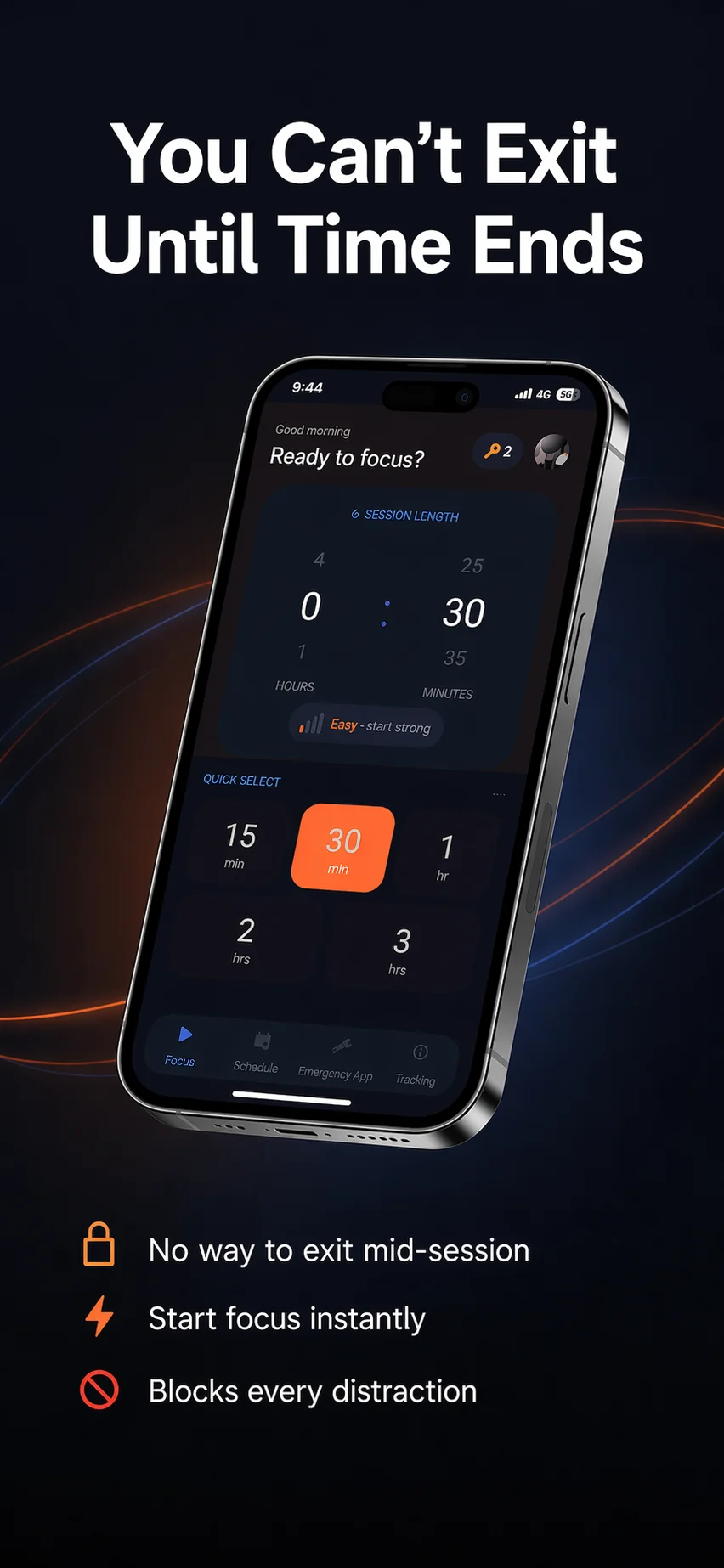
FocusPort Home setup screen
Timer Session Setup
FocusPort Scheduled focus modes
Auto-Schedule Setup
FocusPort emergency whitelist configuration
Configure Whitelists

LOCK DISTRACTIONS.
RESTORE WELLBEING.

Download FocusPort to experience strict accessibility-level blocking today.